




解决 PresentationButton 不能用的问题
ForEach(courses) { item in
    Button(action: {
        self.showCourseContent = true
    }) {
        CourseView()
    }.popover(isPresented: .constant(self.showCourseContent)) {
        ContentView()
    }
}
然后在 struct 文件名 里面,var body: some View 之前,加一句@State var showCourseContent = false
这种解决方案会造成无法下滑的情况,所以还需要在补充手势
在.popover后添加
.gesture(DragGesture().onChanged { value in
                            self.showCourseContent = false
                            })
完整代码:
ForEach(courses) { item in
   Button(action: {self.showCourseContent = true}){
      CourseView()
   }
      .popover(isPresented: .constant(self.showCourseContent)){
         ContentView()
            .gesture(DragGesture().onChanged { value in
               self.showCourseContent = false
            })

       }
}
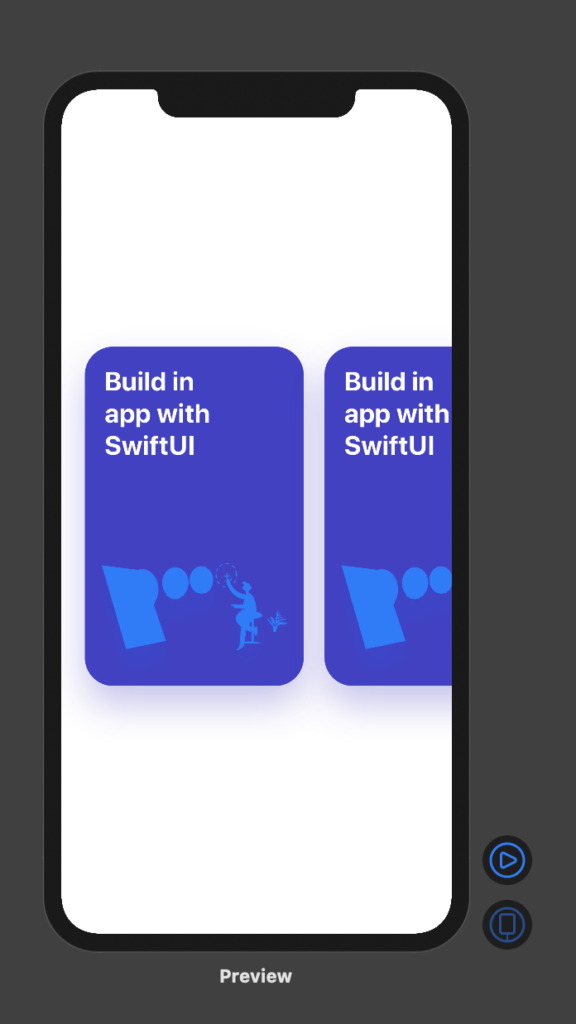
运行截图:
Bug:
添加全局手势之后可能会与View里面的手势发生冲突,经过测试是优先View里面的手势。

Comments | NOTHING